KDE cannot add my printer
It all started with a new matte photo paper.
I wanted to test it using Ansel, as it is my current photo editing software. After selecting my demo image, I headed to its Printer atelier but there was no preview of the photo. After realising that the printer was off, I tried again but Ansel was still unable to detect it. My first idea was to add it to KDE.
New problem: KDE printer settings were asking me for root's password, not mine.
Since it's my PC, I knew the password (or at least my password manager did), but
it would be better to just use mine. I remembered I probably had to add my user
to the lpadmin group, as pointed out in this
post.
However, before finding that link I came across this
answer talking about
/etc/cups/cups-files.conf. A quick sudo cat showed that the administrator
groups were set to sys root wheel. I simply added sysadmins, a custom
FreeIPA group that my user is a member of, and voilà, no more root password.
Second hurdle was the meat of the matter: even with the correct permissions, I couldn't add the printer through KDE settings. With the Add wizard I could see two different ways of connecting to the printer, but neither was working. I tried with CUPS' web interface, to check if there was more information about the error or simply other options, but it still failed. At least the errors returned were slightly more verbose and mentioned a problem in name resolution (it's always DNS).
An answer suggested removing the .local
part of the connection URI. Another suggested
installing nss-mdns and configuring /etc/nssswitch.conf. The first solution
didn't work, so I checked whether nss-mdns and avahi were installed (they
were). Since the last step consisted on modifying the configuration of nss
name resolution. I was a bit wary that it may cause unexpected issues with
FreeIPA, as it relies heavily on DNS.
Reading other threads on possible solutions, an idea clicked: maybe it's just a
matter of configuring authselect again 1. Running authselect current showed the current profile did not have the mDNS option: authselect show sssd displayed the options, and sudo authselect enable-feature with-mdns4 enabled the correct one. I tried adding the printer through KDE once
again and it worked first try. I confirmed that Ansel could now see the printer
and I could see the preview of the image I wanted to print. So I launched the
print job and printed happily ever after. :)
For another authselect adventure, check out the previous post.
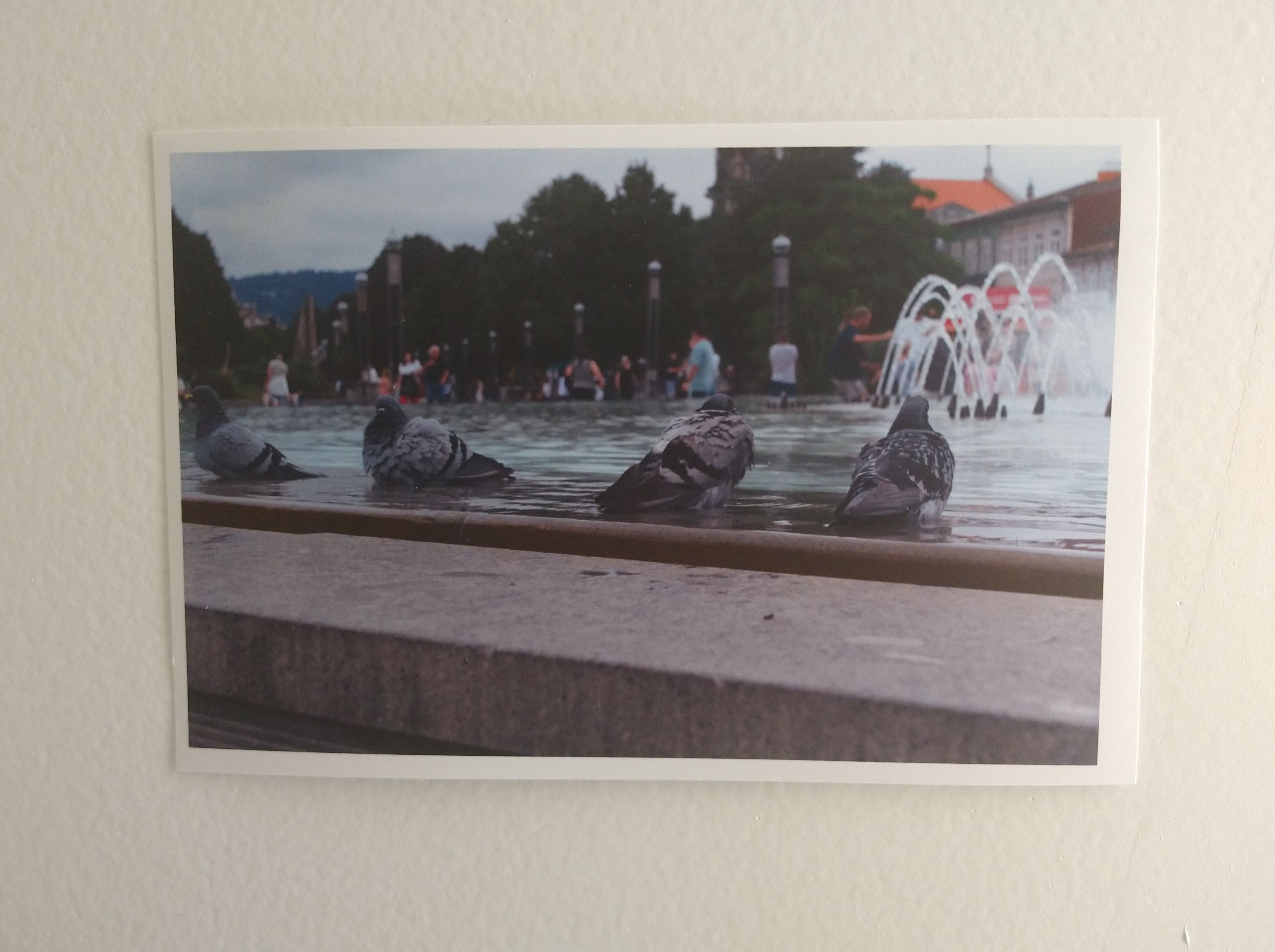
The picture
... and printer happily ever after.
Well, not actually. First, the printer wouldn't recognise the photo paper. After cleaning the rollers, the colours stopped working? Before trying to print the first time, I ran a full cartridge cleaning cycle to ensure that the ink wasn't dry and the colours were working fine. It took another cycle, and printing several photos on regular paper, to start working again.
Anyway! Here's the result. Slightly crooked and the horizontal margins are not the same so some tweaking is still required, but it's actually satisfying to physically have the image. :D